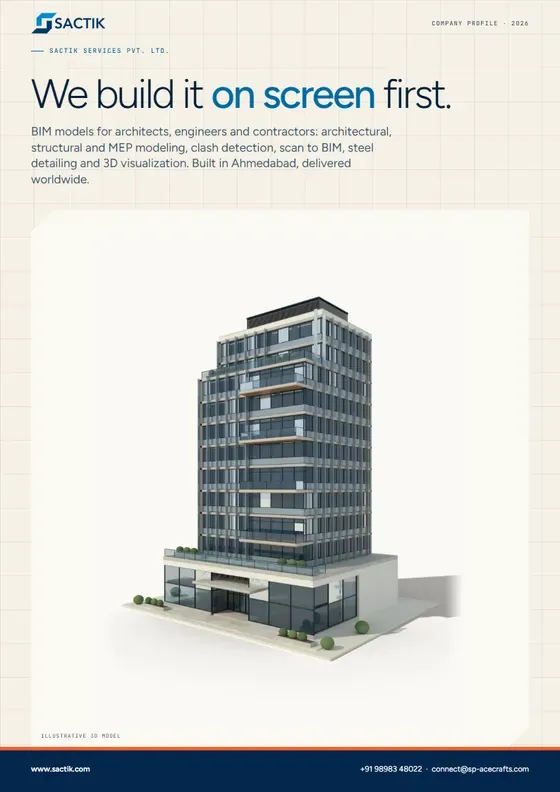
Company profile · 8 pages · 2.0 MB
Sactik company profile
Who we are, the ten services, how a project runs, the six markets we serve and how to start. The one document to forward to a colleague.
Download PDF
BIM modeling studio · Ahmedabad, India · working worldwide
Sactik turns building drawings into detailed 3D models for architects, engineers and contractors, so every clash, gap and mistake is found on a computer, not on a construction site.
BIM means Building Information Modeling: a smart 3D copy of a building, made before the real one, that knows what every wall, pipe and beam is.
What you get
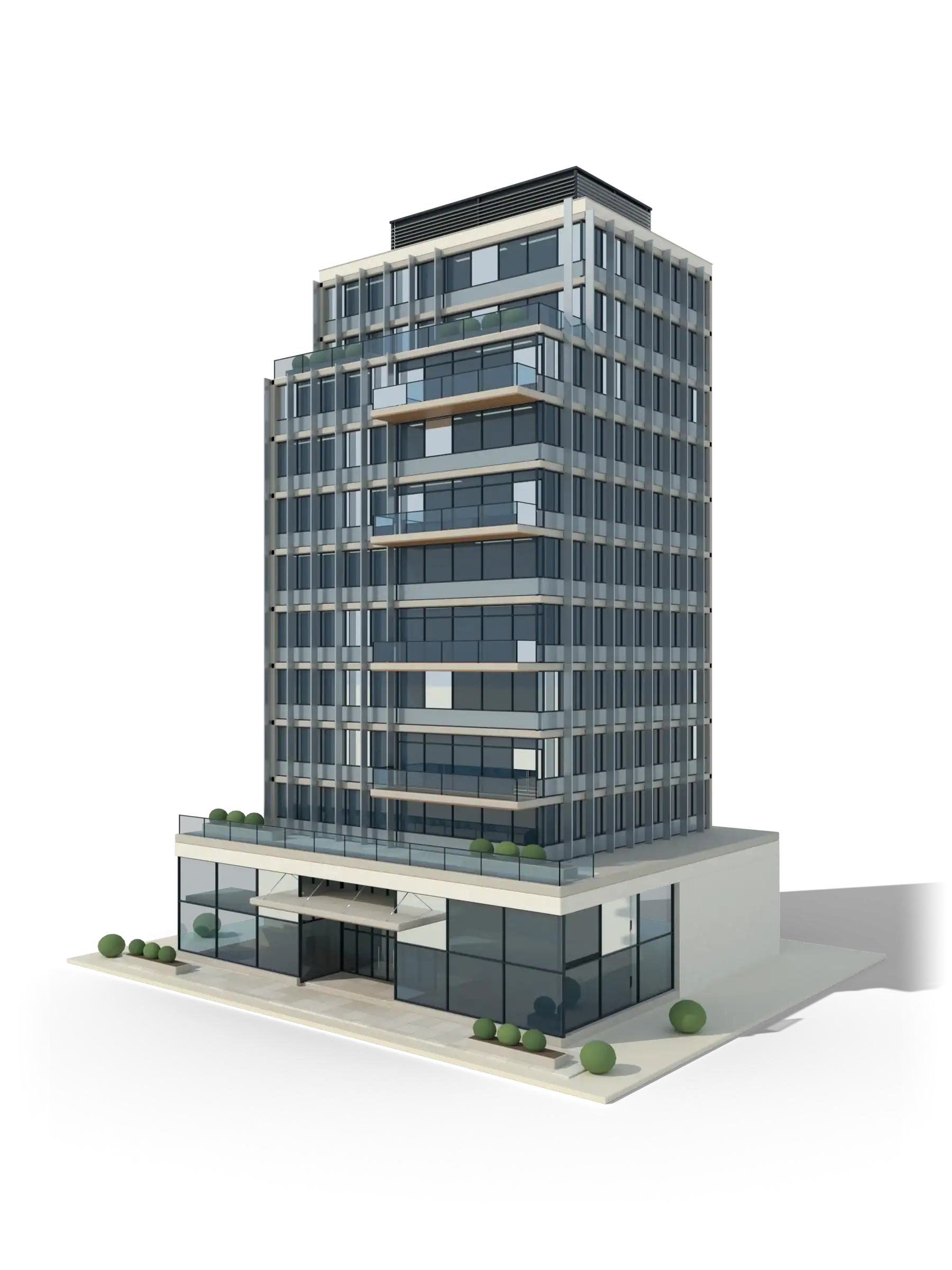
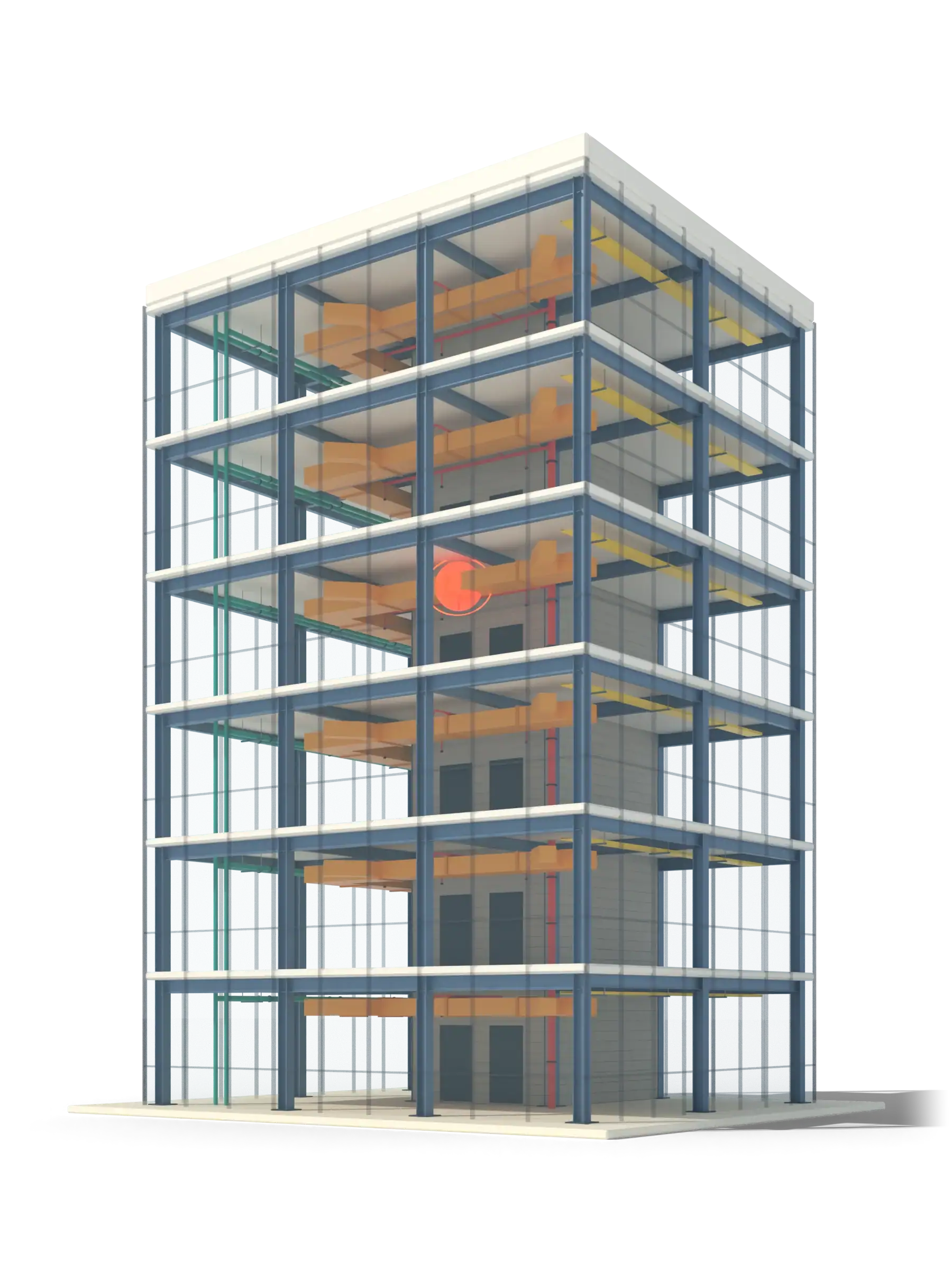
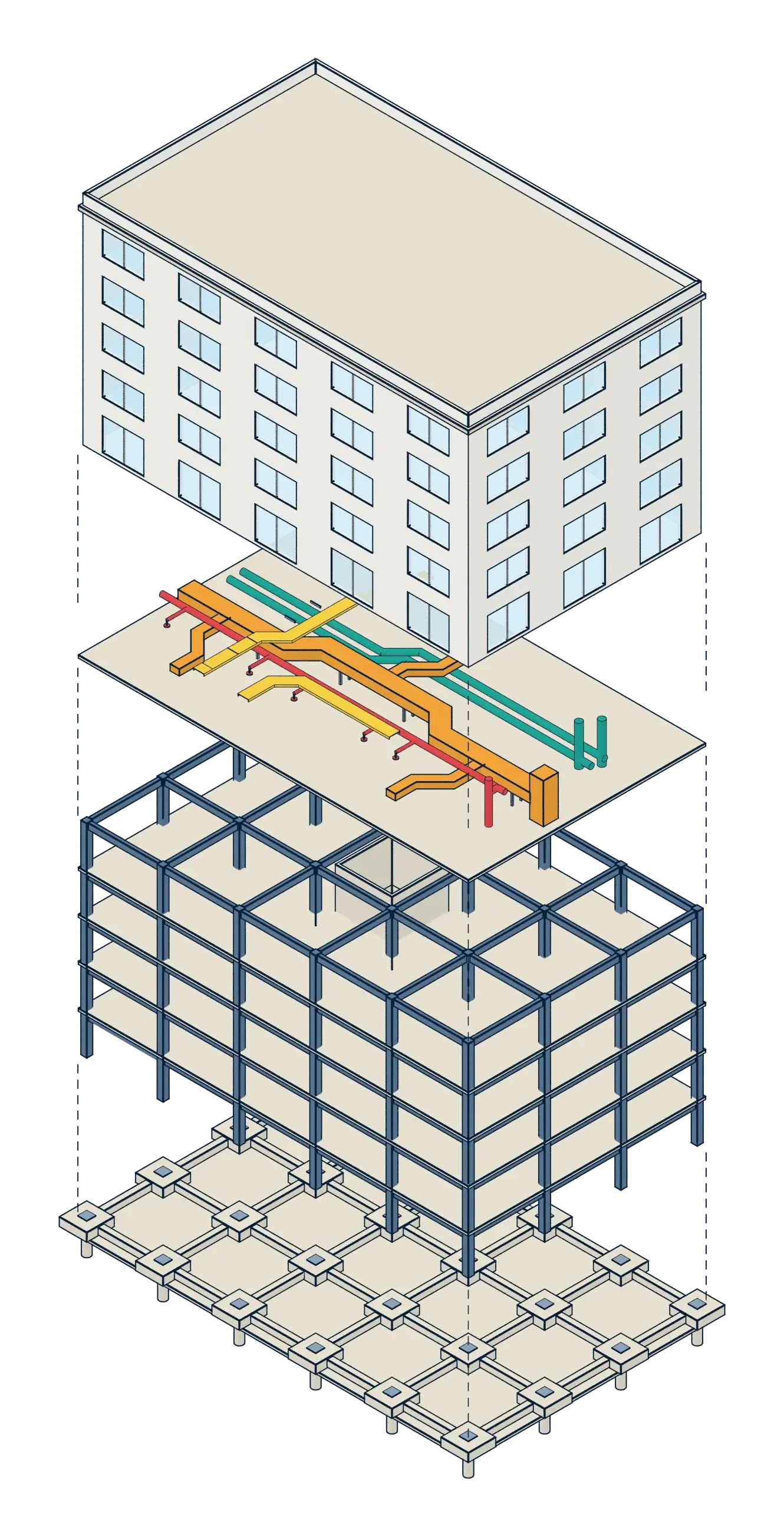
Fig. 1. The same kind of building, shown as architecture and as a BIM x-ray. The orange mark is a clash the model has found. Illustrative models.
BIM in plain words
Before a building goes up, the design team builds it once on a computer. Everyone puts their part into the same model, so problems appear on screen first, where they cost minutes to fix instead of weeks.
THE OLD WAY
Each trade draws its own part. Nobody sees the whole building until the site is under way, and that is when the pipe turns out not to fit.
THE BIM WAY
Every wall, duct and beam is an object with a size, a place and a material. Change one thing and everything connected to it updates.
WHAT YOU GAIN
Clashes found early, quantities counted by the model, and drawings that always agree with each other, so there is less rework and fewer arguments.
Months into construction, a drainage pipe is found to run straight through a structural beam. Work stops while the engineer redesigns, the installer waits and the schedule slips.
Found on site · stop work · redesign
The clash test flags it on screen before anyone has ordered pipe. The two teams agree a small reroute in a short meeting, the model is updated and the drawings follow.
Found on a computer · reroute · re-test
What we do
From a first 3D model to coordinated shop drawings. Use one service or the lot: they all work from the same Revit model.
Your design as a smart 3D model, with the drawings generated from it.
Learn moreYour design shown as lifelike 3D images of the finished building, inside and out, before it is built.
Learn moreThe frame of the building, modeled and checked before steel is cut or concrete is poured.
Learn moreAir, water and power routed in 3D, so installers get a plan that already fits.
Learn moreWe find where the pipe hits the beam, on a computer, before it is built.
Learn moreEvery trade's model brought together and kept in step until the drawings agree.
Learn moreA laser scan of an existing building turned into an accurate, usable 3D model.
Learn moreCAD or PDF drawings converted into BIM, with quantities, schedules and as-built records.
Learn moreReusable digital parts for your products, so designers can drop them into their models.
Learn moreDrawings a fabricator can cut, weld and bolt from, drawn from the 3D model.
Learn moreArchitecture in 3D
The same model that drives your drawings can be shown as a realistic 3D image of the finished building, for planning approvals, sales and clients.
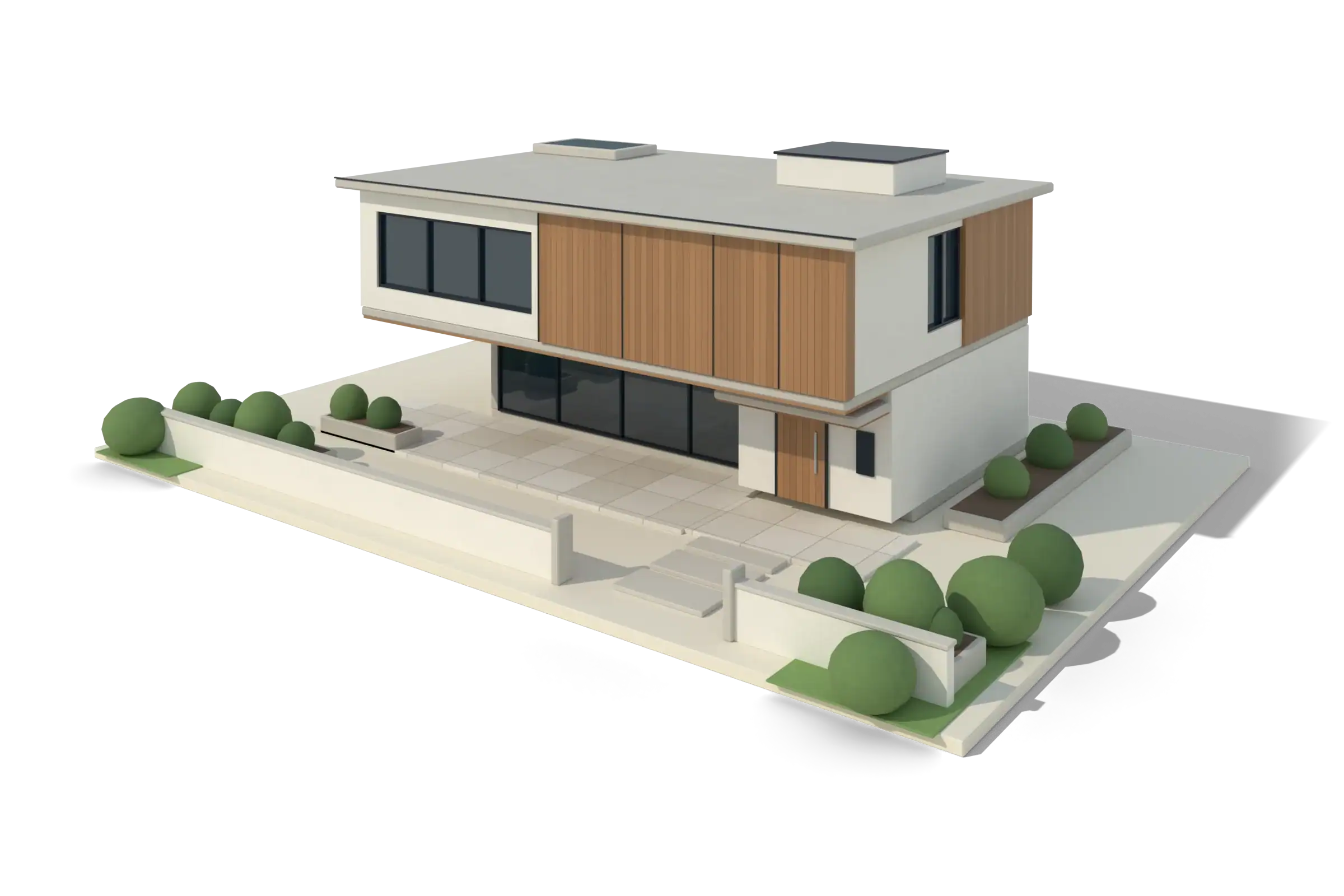
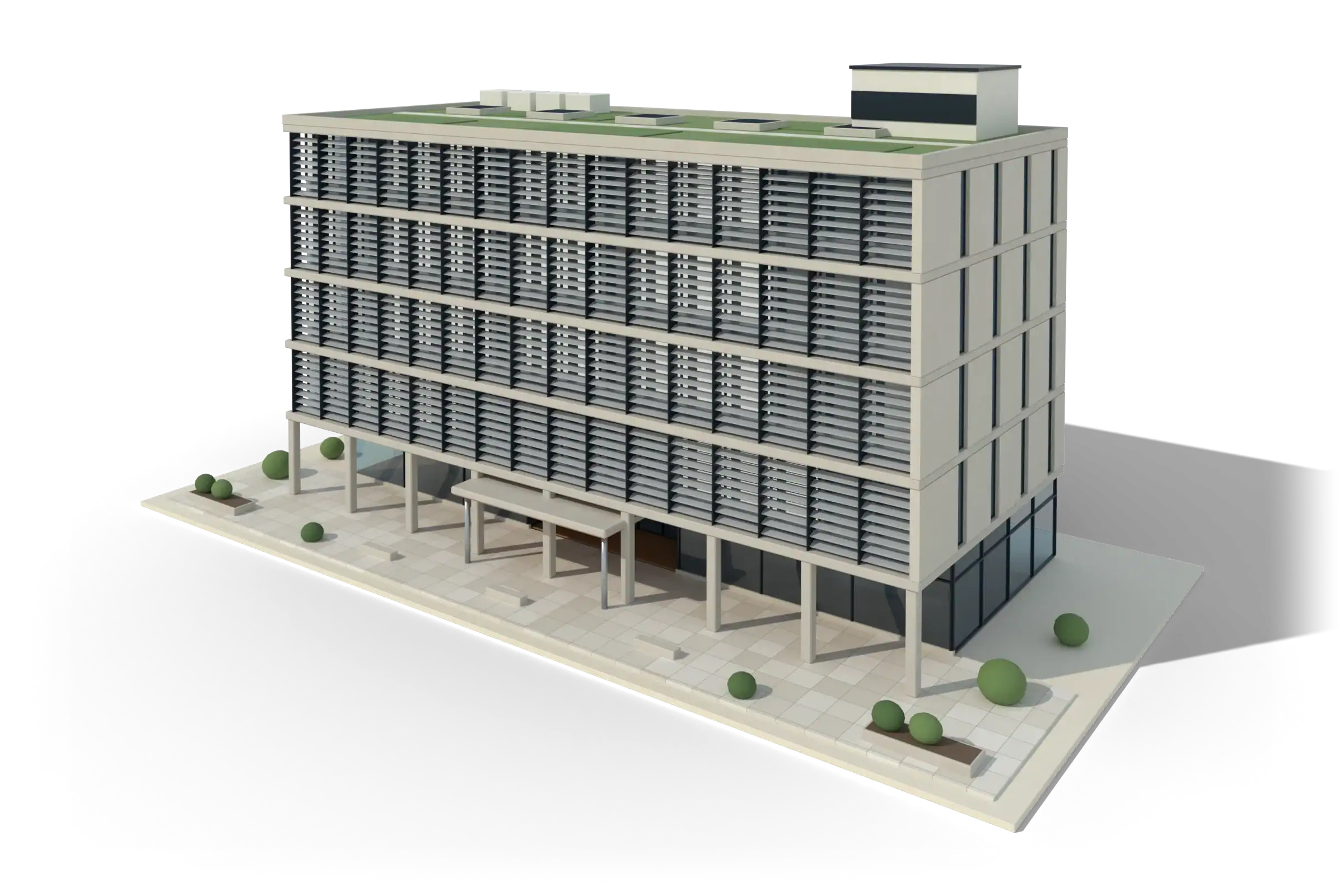
Illustrative models made for this site. They are not client projects.
How it works
Four steps, written down before we start. You always know what you are getting, to what level of detail, and by when.
Share what you have: DWG, PDF, a Revit model or a point cloud, plus the services and level of detail you need.
We read the drawings, write down the scope, the LOD and any assumptions, and give a fixed price for a defined scope or a rate for ongoing work.
Our team builds the model, then checks it: model health, coordination and clash tests where they are in scope.
Revit, IFC, DWG, PDF and NWD files with a short note on what we assumed and what we flagged. Revisions follow the scope we agreed.
 Illustrative model
Inside a model
A BIM model is made of the same layers the real building will have. We build each one, then check how they fit together.
From scan to model
Old drawings of existing buildings are often wrong. A laser scan records what is really there as millions of points, and we turn that cloud into a clean BIM model you can design against.
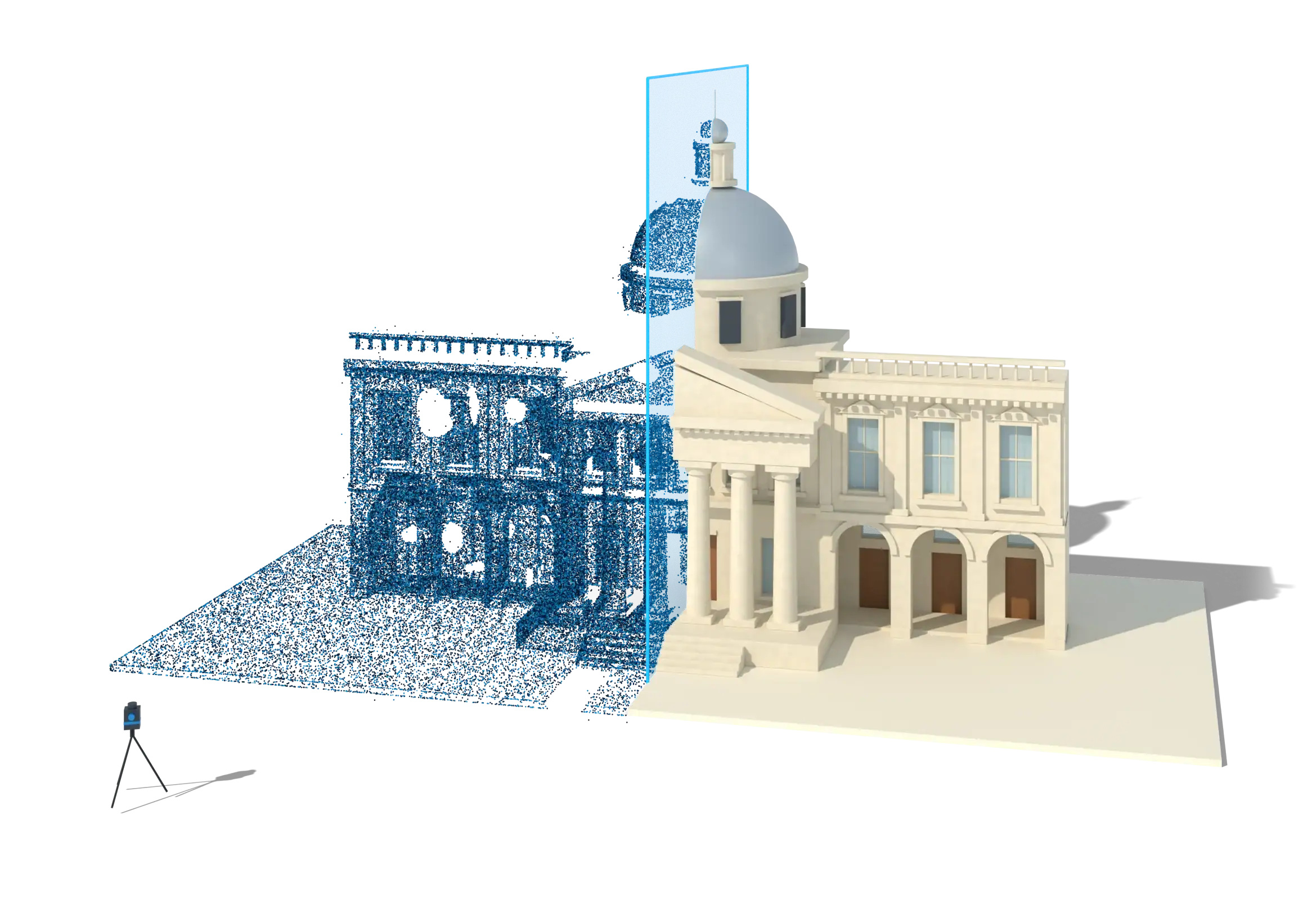 Illustrative model
Brochures and checklists
A company profile, a brochure for every service and working checklists, as PDFs you can forward to a colleague.
Who we are, the ten services, how a project runs, the six markets we serve and how to start. The one document to forward to a colleague.
Download PDF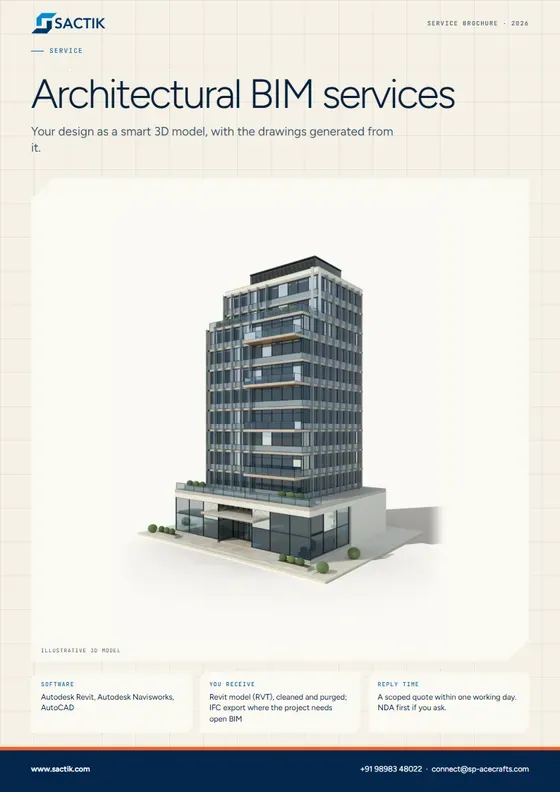
Your design as a smart 3D model, with the drawings generated from it.
Download PDF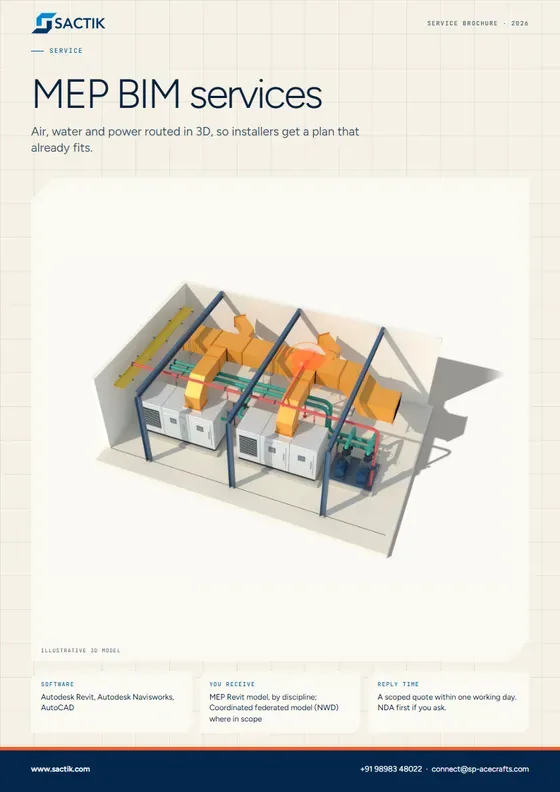
Air, water and power routed in 3D, so installers get a plan that already fits.
Download PDF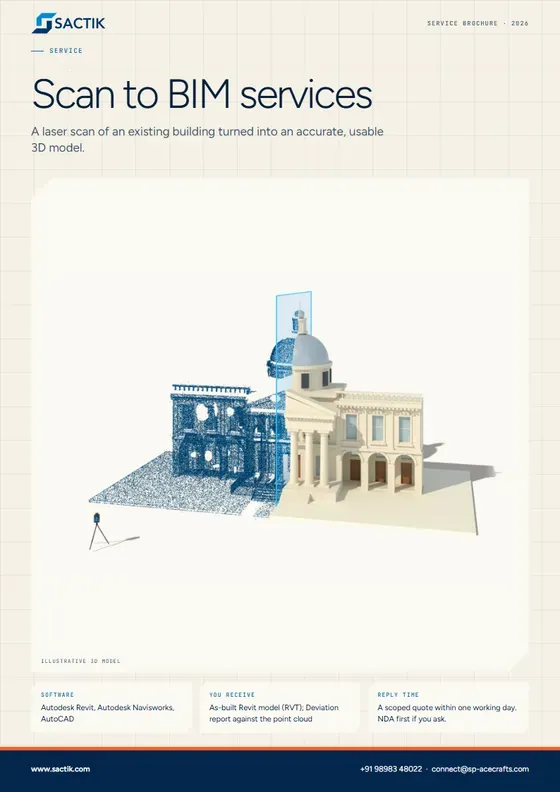
A laser scan of an existing building turned into an accurate, usable 3D model.
Download PDFWho we work with
We are an extension of your team, not a replacement for it. Here is what that looks like in practice.
Where we work
Every region has its own standards, units and working hours. Each market page explains how we work with it.
ISO 19650 workflows, metric models, and a working day that overlaps ours.
Read moreImperial units, AIA LOD definitions, and an overnight production cycle.
Read moreOwner-led requirements, metric and imperial, and Revit coordination for large and small projects.
Read moreISO 19650 alignment, NATSPEC guidance and a handover that suits an Australian morning.
Read moreAuthority-led BIM requirements, metric models and a working day almost identical to ours.
Read moreEN 17412 information needs, IFC-based openBIM, and metric models.
Read moreSelected scopes
These scopes are listed on Sactik’s current website. Each is marked until Sactik confirms the project, its role and permission to name it.
Architectural, structural and MEP BIM modeling at LOD 350, with MEP clash detection for existing and new buildings.
Existing and new buildings coordinated in one federated model.
Scan to BIM of a 306,230 sq ft hospital at LOD 350, including facade, interiors and drawing sheets.
A large, complex healthcare building modeled from a point cloud.
MEP BIM modeling at LOD 350 followed by BIM coordination and coordination drawings.
Sactik's exact role and permission to name the project must be confirmed before this is shown publicly.
Structural steel modeling with connections, bolts, beams and columns, and a detailed set of fabrication drawings.
Steel detailing from a model through to fabrication drawings.
Why Sactik
Founded in Ahmedabad in 2017. Led by architects. Built around clear scopes, honest checks and files that stay yours.
Our team is led by architects, so models are built the way a design team will actually use them.
Every delivery comes with a model-health note: warnings, naming, assumptions and open questions.
Services, level of detail, standards and dates are written down before work starts.
We sign your NDA before files are shared, and agree who owns the deliverables in the contract.
Questions
BIM, short for Building Information Modeling, means building a smart 3D copy of a building on a computer before it is built for real, so that clashes, gaps and mistakes are found on screen instead of on site.
For a simple building, drawings may be enough. BIM pays for itself where several trades share a tight space, where an existing building has to be measured, or where an owner, authority or contractor requires it.
Your drawings (DWG or PDF), a note of the services you need, the level of detail (LOD) and standards the project follows, and your deadline. A link to a shared folder is fine. We reply with a scoped quote.
By scope: the area, the disciplines, the level of detail and the quality of the source drawings. We agree a fixed price for a defined scope, or an hourly or monthly rate for ongoing work. We quote after seeing your drawings.
Yes. Send them at the start and we build to them. If something in them is unclear, we ask rather than assume.
Yes. Send yours, or ask for ours, and we sign before files are shared.
Autodesk Revit for modeling, Navisworks for clash detection and coordination, and AutoCAD for drawings. We deliver RVT, IFC, DWG, PDF and NWD files.
It depends on your region. The Gulf and Europe overlap with our working day; for the US and Canada we run an overnight cycle with a written handover note each morning. Our market pages explain each one.
Yes. Many clients begin with one floor, one trade or one drawing set so they can judge the quality before committing more. Tell us what you have in mind.
Start a project
Tell us what you have and what you need. We will sign your NDA first if you ask.