Brochure · 4 pages · 807 KB
Architectural BIM brochure
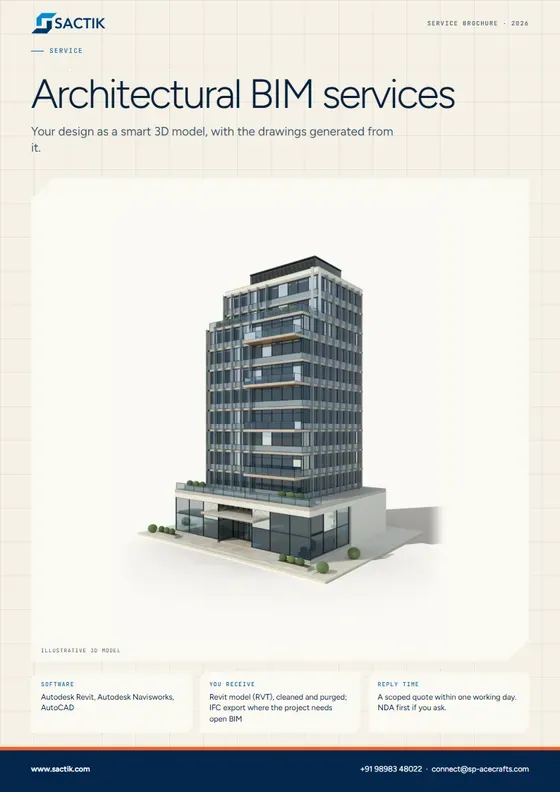
Your design as a smart 3D model, with the drawings generated from it.
Download PDF
Service
Your design as a smart 3D model, with the drawings generated from it.
Request a quote What is included
We turn your architect's drawings or sketches into a detailed 3D model of the building. Every wall, door and window is an object that knows its own size and material, so the plans, sections and schedules always agree with each other.
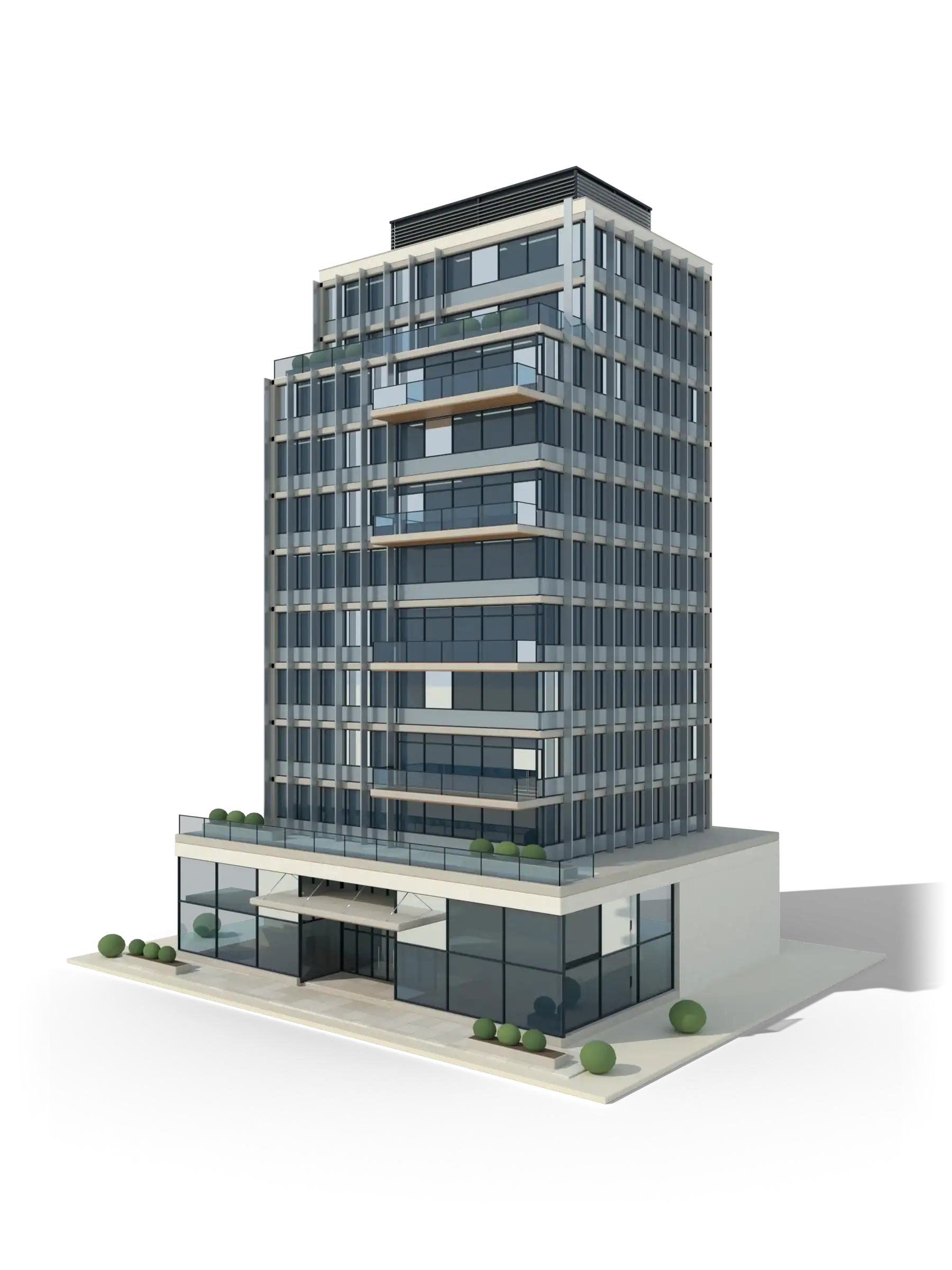 Illustrative 3D model
What it is
An architectural BIM model is the building's design built once, in 3D, with information attached to every element. Change a wall in one view and every plan, section, elevation and door schedule updates to match. That is the difference between a model and a set of drawings that have to be kept in step by hand.
Sactik's team is led by architects, so the model is built the way a design team will use it: clean levels and grids, named types, rooms and areas that reconcile, and a structure of worksets that your coordinators can work with. We build from sketches, CAD, PDFs or point clouds, to the level of detail the project stage calls for.
What is included
Walls, floors, roofs, stairs, doors, windows, ceilings, curtain walls and rooms, built as intelligent Revit objects.
Cladding systems, curtain walls, panel layouts, shading devices and parametric facade rules.
Partitions, finishes, ceilings, joinery and furniture layouts, with room data sheets.
Terrain, roads, levels, retaining walls and neighboring massing from survey data.
Plans, sections, elevations, details, schedules and sheets extracted from the model to your standards.
Custom doors, windows, fixtures and furniture where the standard library is not enough.
LOD 100 massing through LOD 300 for design development and construction documents, LOD 350 where trades coordinate from the model, LOD 400 or 500 on request.
Autodesk Revit, Autodesk Navisworks, AutoCAD. Files delivered as RVT, RTE, IFC, DWG, PDF, NWD.
Architecture practices that need extra modeling capacity. Contractors that need an architectural model for coordination. Developers who want a model for planning, sales or handover. Design-build teams moving 2D drawings to BIM.
Liberia
Architectural, structural and MEP BIM modeling at LOD 350, with MEP clash detection for existing and new buildings.
Reference listed on Sactik’s current site. See all work
Your design as a smart 3D model, with the drawings generated from it.
Download PDFQuestions
Both. We have modeled from CAD drawings, PDF sets, hand sketches and point clouds. The less certain the source, the more we write down our assumptions so you can confirm them.
Yes. Send your Revit template, naming rules, line styles and sheet standards and we build to them. If you have a BIM Execution Plan, we work to it.
Match the model to what it will be used for. LOD 300 suits most construction documents; LOD 350 is for coordination between trades. Our guide to LOD explains the choice in plain language.
Your design shown as lifelike 3D images of the finished building, inside and out, before it is built.
Learn moreCAD or PDF drawings converted into BIM, with quantities, schedules and as-built records.
Learn moreReusable digital parts for your products, so designers can drop them into their models.
Learn more Guide · 6 min readBIM is a smart 3D copy of a building, built on a computer before the real one. Here is what that means, and why it saves money.
Read the guide Guide · 7 min readFrom laser scan to Revit model in five steps, and the six things that decide what it costs.
Read the guideStart a project
Tell us what you have and what you need. We reply with a scoped quote, and we will sign your NDA first if you ask.