Brochure · 4 pages · 800 KB
3D visualization brochure
Your design shown as lifelike 3D images of the finished building, inside and out, before it is built.
Download PDF
Service
Your design shown as lifelike 3D images of the finished building, inside and out, before it is built.
Request a quote What is included
We turn your drawings or BIM model into lifelike 3D pictures of the finished building, outside and inside, so clients, planners and buyers can see the design before anything is built.
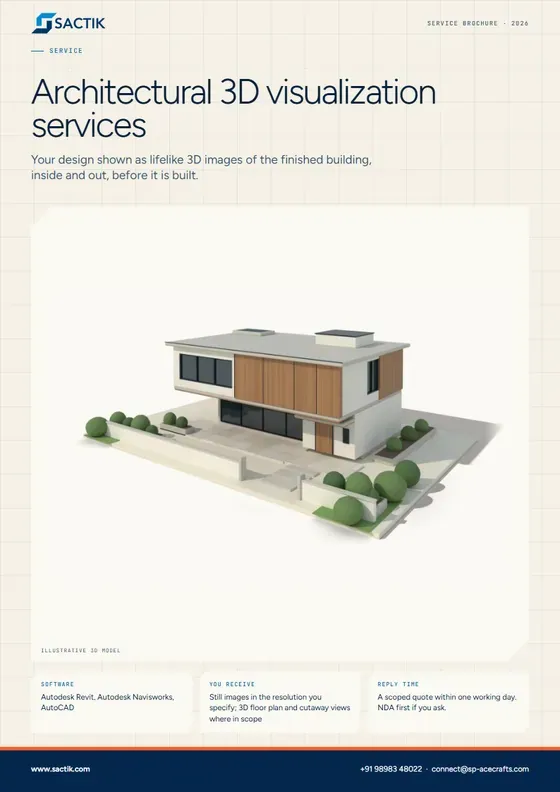
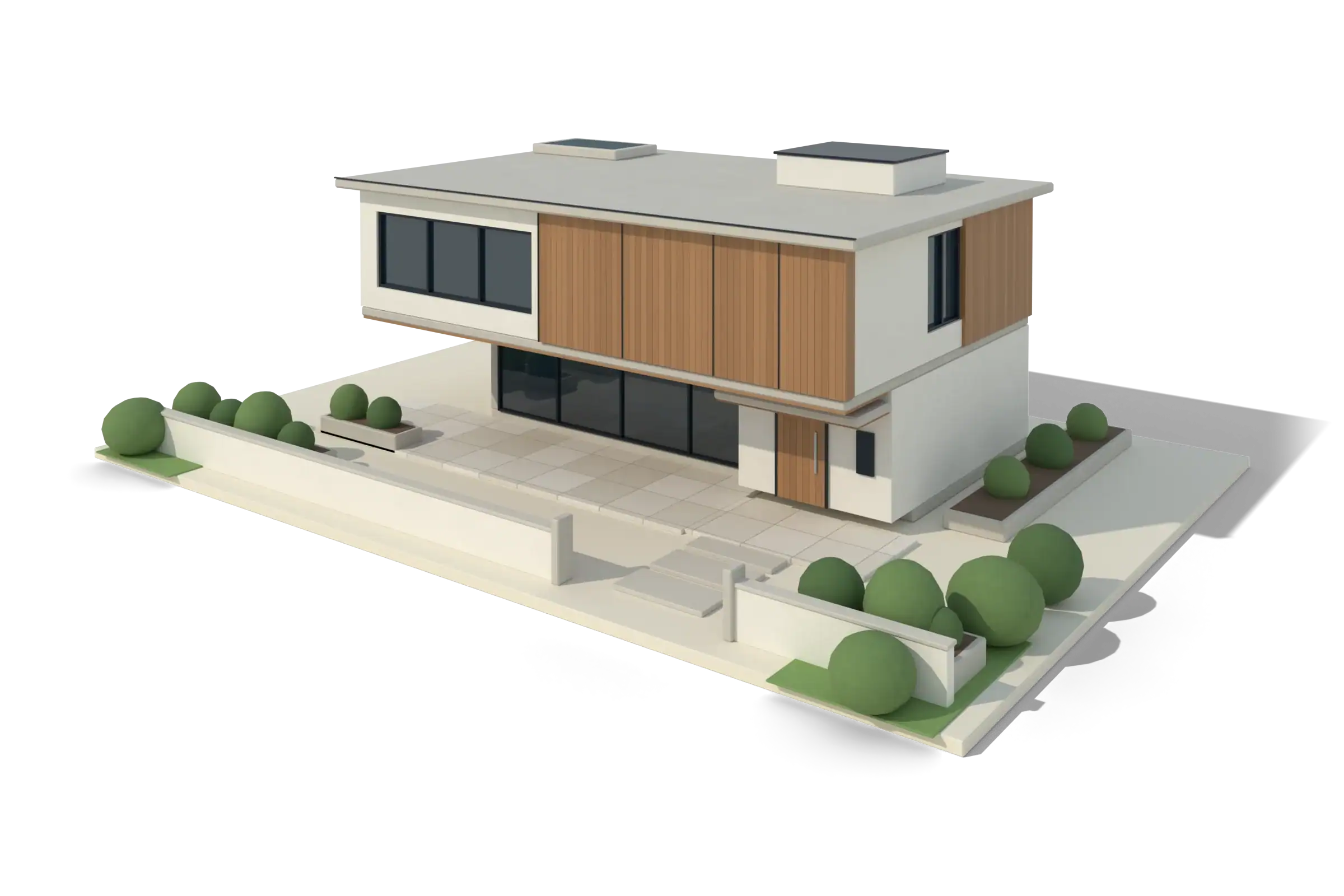 Illustrative 3D model
What it is
A drawing asks the viewer to imagine the building. A visualization shows it. Exterior views, interior views and 3D floor plans help clients decide, planners approve and buyers understand, long before construction starts.
Because we build BIM models, visualizations start from the same source as the drawings. When the design changes, the images can follow, instead of being rebuilt from scratch. We work from Revit models, CAD drawings, PDFs or early sketches.
What is included
Massing, facade, materials and context shown in daylight or at dusk, for approvals and presentations.
Layouts, finishes, furniture and lighting shown clearly enough to settle decisions with the client.
Plans and sections shown in three dimensions, so non-specialists can read the layout at a glance.
A camera path through the design for presentations and sales. Scope and format agreed per project.
Views produced from the Revit model so they match the coordinated drawings and update with the design.
Cleaning and detailing the model with materials, glazing, fixtures and entourage so it is ready to image.
Visualization uses the model at whatever level of detail it has, and adds the surface detail it needs to look real. Early designs can be imaged at LOD 200.
Autodesk Revit, Autodesk Navisworks, AutoCAD. Files delivered as RVT, RTE, IFC, DWG, PDF, NWD.
Architects presenting a design. Developers preparing planning and sales material. Design-build teams aligning stakeholders. Contractors who need to show a client what will be built.
Your design shown as lifelike 3D images of the finished building, inside and out, before it is built.
Download PDFQuestions
Yes. Visualization can begin from concept sketches or schematic drawings and be refined as the design develops.
Yes, when they are made from the model. We note anything added for realism, such as furniture or planting, that is not part of the model.
Changes can be carried into the visualization. Because the views come from the same model, revisions are quicker than starting again.
Your design as a smart 3D model, with the drawings generated from it.
Learn moreCAD or PDF drawings converted into BIM, with quantities, schedules and as-built records.
Learn moreA laser scan of an existing building turned into an accurate, usable 3D model.
Learn moreStart a project
Tell us what you have and what you need. We reply with a scoped quote, and we will sign your NDA first if you ask.