Brochure · 4 pages · 868 KB
MEP BIM brochure
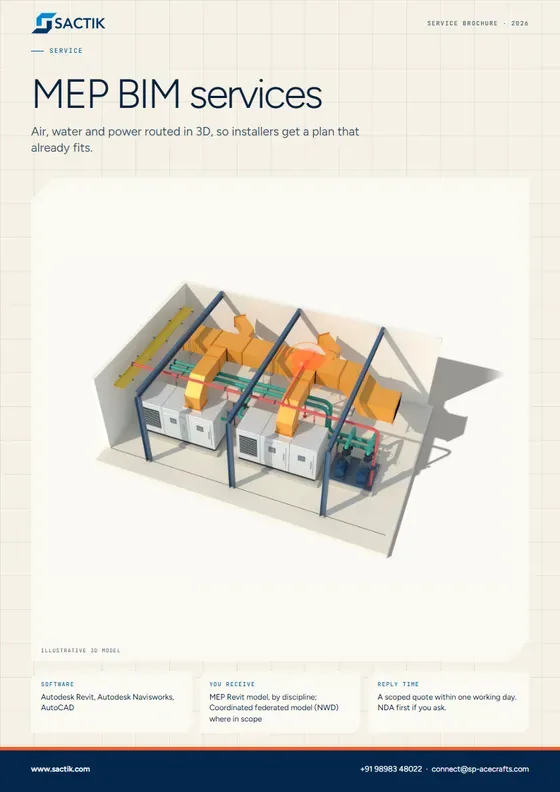
Air, water and power routed in 3D, so installers get a plan that already fits.
Download PDF
Service
Air, water and power routed in 3D, so installers get a plan that already fits.
Request a quote What is included
MEP means mechanical, electrical and plumbing: the ducts, pipes and cables inside a building. We draw every one of them in 3D, find where they collide with each other or with the structure, and produce drawings installers can build from.
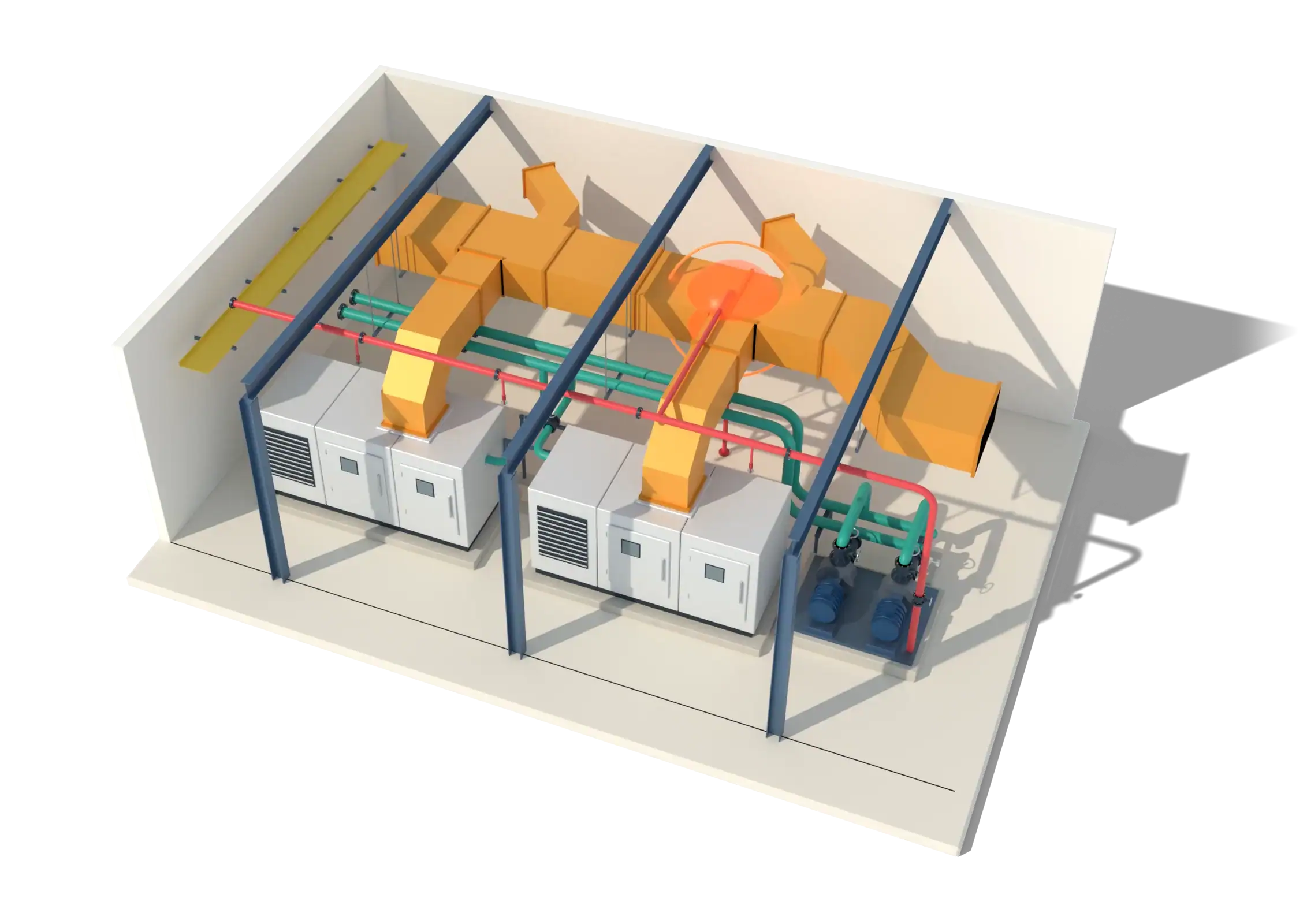 Illustrative 3D model
What it is
MEP is where buildings get crowded. Ducts, pipes, cable trays and sprinklers all compete for the same space above the ceiling, and they have to clear beams, columns and each other. Modeling them in 3D before installation turns a site argument into a desktop fix.
We model HVAC, plumbing, electrical and fire protection to the codes and standards of the project's location, route services with sensible 45-degree transitions and access clearances, and prepare the model so it can be coordinated and turned into shop drawings.
What is included
Ducts, fittings, air terminals, equipment, chilled water and refrigerant pipework.
Water supply, soil and waste, storm drainage, fixtures and pump rooms.
Cable trays, conduit runs, panels, lighting layouts and containment.
Sprinkler mains, branches, heads and risers modeled to the design criteria supplied.
Mechanical, plumbing and electrical installation drawings extracted from the coordinated model.
Take-offs by system and size, and MEP Revit families for manufacturer-specific equipment.
LOD 300 for design coordination, LOD 350 for trade coordination, LOD 400 for fabrication and installation drawings.
Autodesk Revit, Autodesk Navisworks, AutoCAD. Files delivered as RVT, RTE, IFC, DWG, PDF, NWD.
MEP consultants and engineers. MEP contractors and installers. General contractors running coordination. Facility managers who need an as-built services model.
Liberia
Architectural, structural and MEP BIM modeling at LOD 350, with MEP clash detection for existing and new buildings.
Reference listed on Sactik’s current site. See all work
Air, water and power routed in 3D, so installers get a plan that already fits.
Download PDFQuestions
We model the systems your engineer has designed. Where design information is incomplete, we raise a query rather than guess, and record the assumption we proceed on.
Yes. Once the model is coordinated and signed off, mechanical, plumbing and electrical shop drawings are extracted from it, so what is drawn is what was checked.
The ones your project specifies. Tell us the jurisdiction and standards at the start, and we model to them.
We find where the pipe hits the beam, on a computer, before it is built.
Learn moreEvery trade's model brought together and kept in step until the drawings agree.
Learn moreReusable digital parts for your products, so designers can drop them into their models.
Learn more Guide · 6 min readA clash is two things in the same place. Here is how they are found, what the three kinds are, and how to keep the list useful.
Read the guide Guide · 7 min readFrom laser scan to Revit model in five steps, and the six things that decide what it costs.
Read the guideStart a project
Tell us what you have and what you need. We reply with a scoped quote, and we will sign your NDA first if you ask.